
Yes, you can use your personal E-ZPass in most rental cars. Many drivers choose this option because it helps avoid the extra toll service fees charged by rental companies.
Using your own transponder also keeps all toll payments connected to one account, which makes tracking charges easier after the trip.
How to Use Your E-ZPass in a Rental Car
Using your personal E-ZPass in a rental vehicle is usually straightforward, but setting it up correctly helps prevent billing problems later.
Add the Rental Vehicle to Your Account
Before you start driving, log in to your E-ZPass account and add the rental car’s:
- License plate number
- Registration state
- Rental start and end dates
This step matters because some toll systems use license plate recognition instead of scanning the transponder. If the plate is not linked to your account, you could receive toll violations or delayed charges.
Install Your E-ZPass Properly
Place the transponder on the windshield according to E-ZPass instructions. A poor placement can prevent toll readers from detecting the device correctly.
Decline the Rental Company’s Toll Program
Rental companies often offer their own electronic toll service. These programs usually include daily convenience fees, even if you only pass through one toll booth.
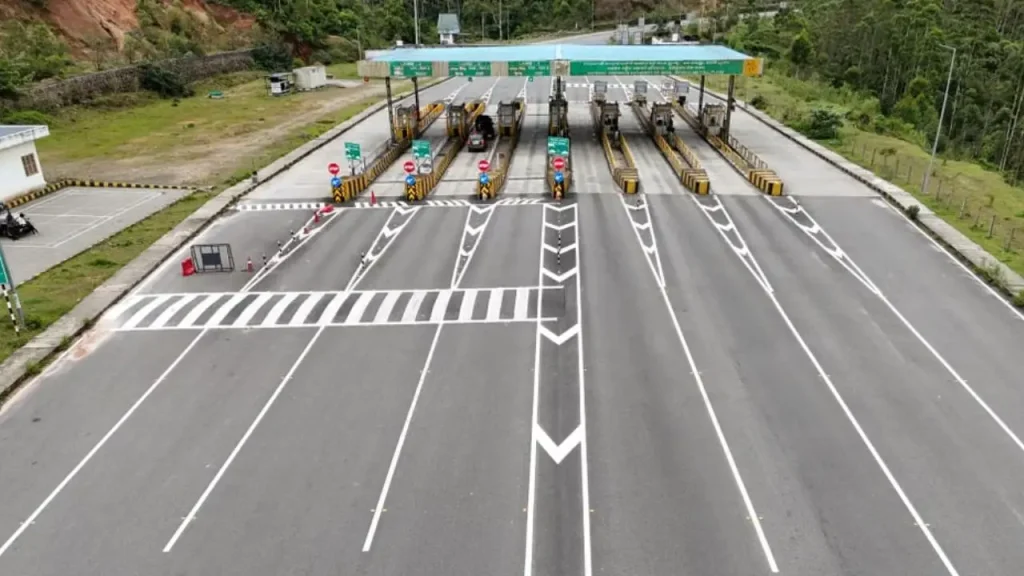
If you plan to use your own E-ZPass, decline the rental company’s toll option to avoid duplicate billing.
Things to Watch Out For
Using your own E-ZPass can save money, but small mistakes may create billing issues that take time to fix.
Avoid Using Two Toll Systems
Do not use your personal E-ZPass while the rental company’s toll device is active. This can lead to double charges because both systems may record the same toll transaction.
Some rental cars have built-in toll devices. Check with the rental company to see how to disable them before driving.
Remove the Vehicle After Your Trip
Once you return the rental car, remove the license plate from your E-ZPass account. This prevents future toll charges from being linked to your account if someone else rents the same vehicle later.
Check Your Toll History
After the trip, review your E-ZPass transactions. This helps confirm that all tolls processed correctly and that no duplicate charges appeared.
Why Many Drivers Use Their Own E-ZPass
Using a personal E-ZPass often costs less than relying on a rental company’s toll program. Rental toll services may charge:
- Daily activation fees
- Administrative fees
- Higher processing costs
With your own account, you usually pay only the actual toll amount.
Conclusion
Using your personal E-ZPass in a rental car can help reduce unnecessary toll service fees and simplify toll payments during your trip. Before driving, add the rental vehicle’s license plate to your E-ZPass account so toll systems can correctly match charges to your account. This step helps prevent violations and unexpected billing from the rental company.
It is also important to avoid using both the rental car’s toll device and your own transponder at the same time, since duplicate charges can occur. After returning the vehicle, remove the rental car from your account to prevent future toll activity from being linked to you.
Frequently Asked Questions
Most rental companies allow it, but policies can vary. Always check the rental agreement before your trip.
You should not be charged if:
You decline the rental toll service
Your E-ZPass works correctly
The rental plate is added to your account
However, mistakes can happen, so checking your statements afterward is important.
Some toll systems may bill the rental company directly. The rental company could then charge you additional processing or administrative fees.
Yes. E-ZPass works across many toll roads and bridges in multiple states, although coverage depends on the toll authority.
Contact both the rental company and your E-ZPass provider. Keep copies of:
Toll receipts
Rental agreements
Account statements
These documents help resolve duplicate billing issues faster.

Leave a Reply